Weekend is for relaxing — not for hunting down that runaway process or calculating disk usage manually. Whether you're on-call or just doing a quick check before heading out, these 5 Linux one-liners will get you back to your coffee faster.
1. 🔥 Kill the Biggest Memory Hog (Instantly)
```bash
ps aux --sort=-%mem | head -2 | tail -1 | awk '{print $2}' | xargs kill -9
```
What it does: Finds the process using the most memory and kills it immediately. Dangerous? Yes. Effective? Absolutely. Use when a rogue process is eating all your RAM and you don't have time to investigate.
> ⚠️ Pro tip: Add `-15` instead of `-9` for a graceful shutdown first. Only use `-9` when the process ignores SIGTERM.
2. 📊 Watch Disk Usage in Real-Time
```bash
watch -n 2 'df -h | grep "^/dev"'
```
What it does: Refreshes disk usage every 2 seconds so you can watch that log file grow in real-time. Perfect when you're debugging a disk-full alert and want to see if your cleanup is working.
> 🛠️ Variation: `watch -d` highlights changes between refreshes.
3. 🧹 Find and Delete Files Older Than 30 Days
```bash
find /var/log -name "*.log" -mtime +30 -delete
```
What it does: Cleans old log files without touching recent ones. The `-mtime +30` means "modified more than 30 days ago." Run this before your backup kicks off to save space.
> ⚡ Safety first: Test with `-delete` replaced by `-exec ls -la {} \;` first to see what would be deleted.
4. 🚦 Check If a Port Is Open (From Another Machine)
```bash
timeout 3 bash -c 'echo >/dev/tcp/192.168.1.100/8080' && echo "Open" || echo "Closed"
```
What it does: Pure bash — no netcat, no telnet, no nmap needed. Tests TCP connectivity to any host:port. Returns "Open" or "Closed" in 3 seconds.
> 💡 Why it matters: When you're troubleshooting and netcat isn't installed (looking at you, minimal Docker containers), this built-in bash trick saves the day.
5. 🔄 Restart a Stuck Service in One Line
```bash
systemctl restart sshd && journalctl -u sshd --no-pager -n 10
```
What it does: Restarts the SSH service and immediately shows the last 10 log lines. No more `restart → journalctl -f → Ctrl+C → journalctl -n 20`. One line, done.
> 🧠 Pro tip: Chain with `&&` so the log only shows if restart succeeded. If restart fails, you see the error instead.
🏁 Weekend Challenge
Try this: create an alias in your `~/.bashrc` for your favourite one-liner:
```bash
alias bigmem='ps aux --sort=-%mem | head -5'
```
Then next time someone says "server slow?", just type `bigmem` and you're the hero.
Happy weekend, and may your servers stay green! 🟢
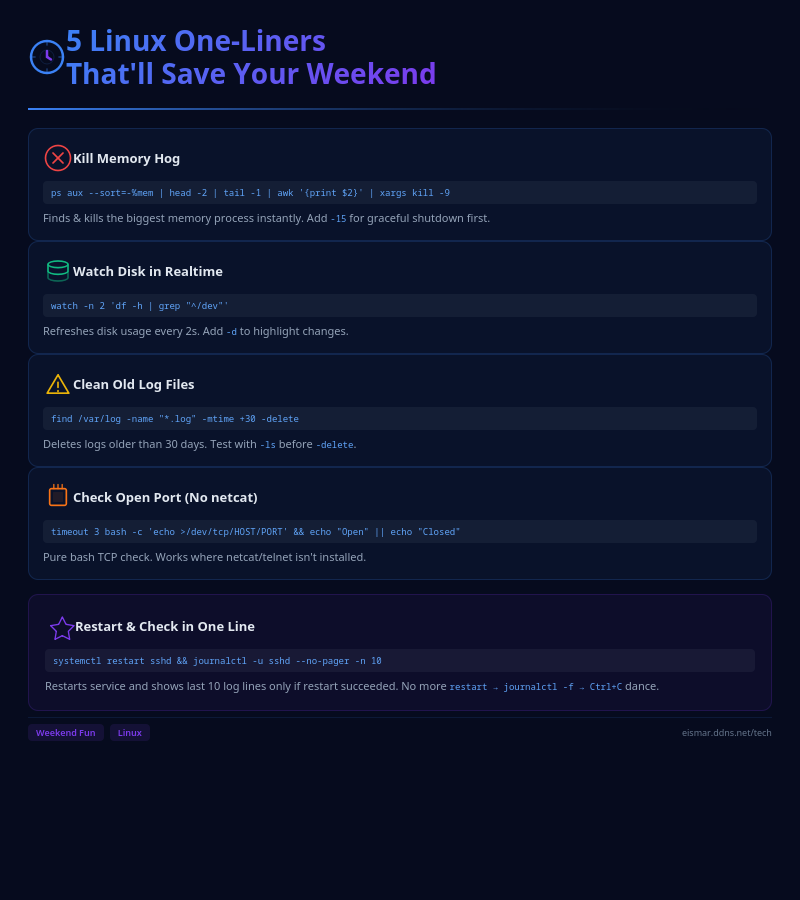
Infographic: 5 Linux One-Liners

💬 0 Comments