As a sysadmin, sleeping through the night without getting paged is the ultimate flex. But here's the truth — most server breaches happen because the basics weren't covered. Kali kau manage server production, jangan tunggu jadi mangsa baru nak belajar. Let's go through 5 essential hardening steps that every Linux server should have.
🔑 Step 1: Harden SSH Access
SSH is your front door. If it's wide open, you're asking for trouble.
First, disable root login and password-based authentication. Use SSH keys only — they're way more secure and convenient once set up.
```
/etc/ssh/sshd_config
PermitRootLogin no
PasswordAuthentication no
PubkeyAuthentication yes
Then restart
systemctl restart sshd ```Confirm berguna — no more brute force bots cycling through passwords. Senang kan?
🔥 Step 2: Lock Down the Firewall
Default deny inbound. Only allow what you absolutely need.
```
ufw default deny incoming
ufw default allow outgoing
ufw allow 22/tcp # SSH
ufw allow 80/tcp # HTTP
ufw allow 443/tcp # HTTPS
ufw enable
```
Don't forget to allow your SSH port BEFORE enabling the firewall. Dah tu, confirm you won't lock yourself out.
⚠️ Step 3: Install Fail2Ban
Fail2Ban monitors logs and auto-blocks IPs after repeated failed attempts. It's like having a bouncer for your server.
```
apt install fail2ban
systemctl enable fail2ban
systemctl start fail2ban
```
Bagi yang pernah kena brute force attack, confirm ini akan bagi lega. Power gila babeng.
📋 Step 4: Automate Security Updates
Manual patching is for hobbies. In production, automate it.
```
apt install unattended-upgrades
dpkg-reconfigure unattended-upgrades
```
Configure it to only apply security updates — don't let it randomly upgrade packages that might break your app.
🌟 Golden Rule: Least Privilege
The golden rule of security: give only what's needed, block everything else. This applies to users, services, and network access. Jangan jadi sysadmin yang cuma buka semua port and hope for the best.
Kesimpulan
Server security is not a one-time setup — it's an ongoing habit. Start with these 5 steps and you'll already be ahead of 90% of servers out there. Dah hardened? Power. Server yang safe, sysadmin yang tak stress.
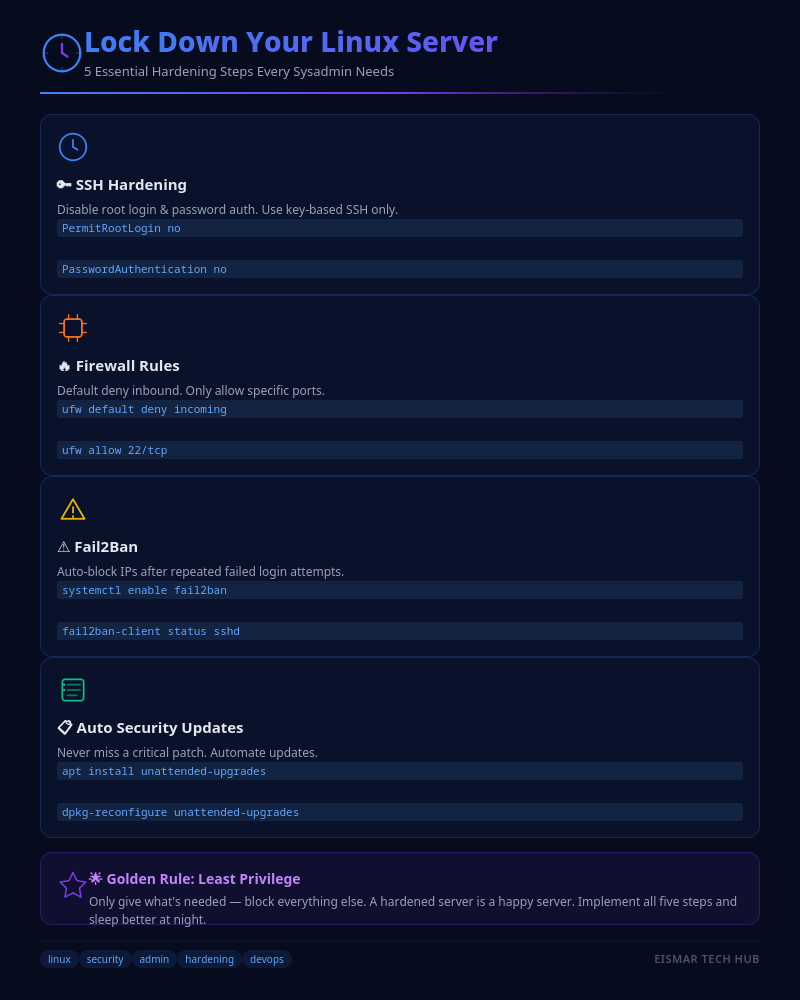
Infographic: Lock Down Your Linux Server

💬 0 Comments