Imagine your office network as a single, open-plan building. Every device — from the CEO's laptop to the guest Wi-Fi access point and the critical file server — shares the same physical space. In networking terms, that's a flat network, and it's a security nightmare. If one device gets compromised, the attacker can move laterally to anything else on that same broadcast domain.
Enter VLANs (Virtual Local Area Networks) — the invisible walls that logically separate your network without needing extra cables or hardware.
What Exactly Is a VLAN?
A VLAN lets you split a single physical switch (or a stack of switches) into multiple, isolated virtual switches. Devices in VLAN 10 cannot talk directly to devices in VLAN 20 — even though they're plugged into the same physical switch — unless you explicitly route traffic between them via a Layer 3 device (router or Layer 3 switch).
```
[Switch Port 1-8] → VLAN 10 (Accounting)
[Switch Port 9-16] → VLAN 20 (Engineering)
[Switch Port 17-24] → VLAN 30 (Guest Wi-Fi)
```
Each VLAN is its own broadcast domain. A broadcast from VLAN 10 never reaches VLAN 20 or 30. This is the fundamental mechanism that improves both security and performance.
Why Enterprise Networks Rely on VLANs
1. Security Isolation
Separate sensitive systems (servers, management interfaces, financial databases) from general user traffic. If a user's workstation gets malware, the infection can't spread across VLAN boundaries without passing through a firewall.
2. Reduced Broadcast Traffic
Every device in a flat network receives every broadcast packet. With VLANs, broadcasts stay within their assigned VLAN — less noise, better performance.
3. Simplified Management & Flexibility
Moving a user to a different department? No rewiring needed — just reassign their switch port to the correct VLAN. You can group devices by function rather than physical location.
4. Guest Network Isolation
Give visitors internet-only access on a separate VLAN with strict firewall rules — no visibility into your internal network at all.
VLAN Tagging: How It Works (Trunk vs Access)
Access ports — belong to a single VLAN. Used for end devices like PCs, printers, IP phones.
Trunk ports — carry traffic for multiple VLANs simultaneously using 802.1Q tagging. Each frame gets a VLAN ID tag (1–4094) inserted into its Ethernet header, so the receiving switch knows which VLAN it belongs to.
```
PC (VLAN 10) → [Access Port] → Switch A → [Trunk Port carrying VLAN 10,20,30] → Switch B → [Access Port] → Server (VLAN 20)
```
VLAN 1 is the default VLAN on most switches — and is widely considered a security risk. Best practice: change the native VLAN from 1 to an unused ID and prune unused VLANs from trunk ports.
Inter-VLAN Routing: Making VLANs Talk
By default, VLANs don't talk to each other. When they need to communicate (e.g., Engineering needs to print to a server in the Management VLAN), you need inter-VLAN routing:
- Router-on-a-Stick — One physical router interface, configured as a trunk with sub-interfaces for each VLAN
- Layer 3 Switch — A switch with built-in routing capability; faster and more scalable
- Firewall-based routing — Route all inter-VLAN traffic through a firewall for inspection and policy enforcement
For most SMBs, option 2 or 3 is preferred. Routing through a firewall gives you granular control over which VLANs can talk, on which ports, and at what times.
Conclusion
VLANs are one of the most cost-effective security and performance upgrades you can make to any network — from small offices to enterprise data centers. They don't require new cables, new hardware, or complex licensing. Just proper planning:
- Map out your security zones before you configure
- Use descriptive VLAN names (don't just rely on numbers)
- Disable unused ports and assign them to a "black hole" VLAN
- Always change the native VLAN away from VLAN 1
- Prune unnecessary VLANs from trunk ports
Key takeaway: A well-designed VLAN architecture is the foundation of network segmentation — and network segmentation is the single most effective defense against lateral movement in a breach.
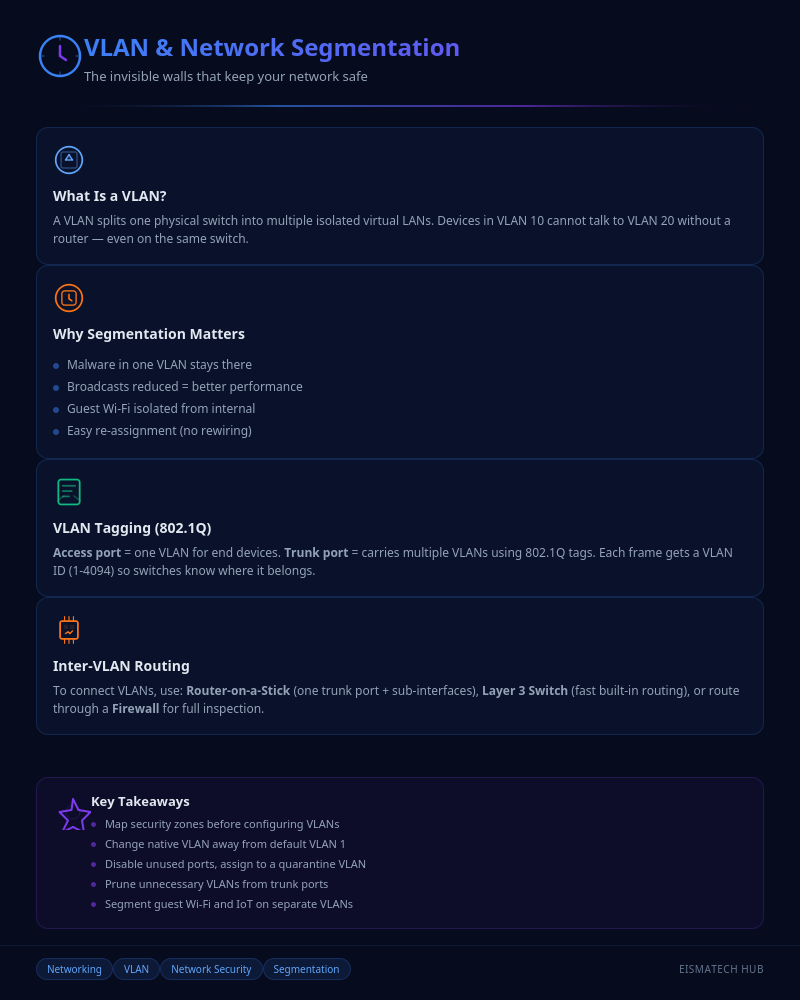
Infographic: VLAN & Network Segmentation

💬 0 Comments